
From the first tap to the appointment report.
Six steps, none of them required all at once. She can start today with just her doses and add the tests later — the app works even when it is only half set up.
and the first reminder
- 01
Download the app and create the account
- 02
Enter the treatment
- 03
Do the daily check-in
- 04
Attach tests and reports
- 05
Generate the PDF report
- 06
Connect the hospital (optional)
She opens the app and her day is already there.
The first time it opens, the app asks for the essentials: which treatment, which cycle she is in and which medications. From then on, the home screen shows the current cycle, the pending check-in and today's doses.
- Account created with email or phone — no hospital invitation needed.
- Each medication becomes a reminder at the time she sets.
- The progress ring shows the day's check-in, doses and treatment.
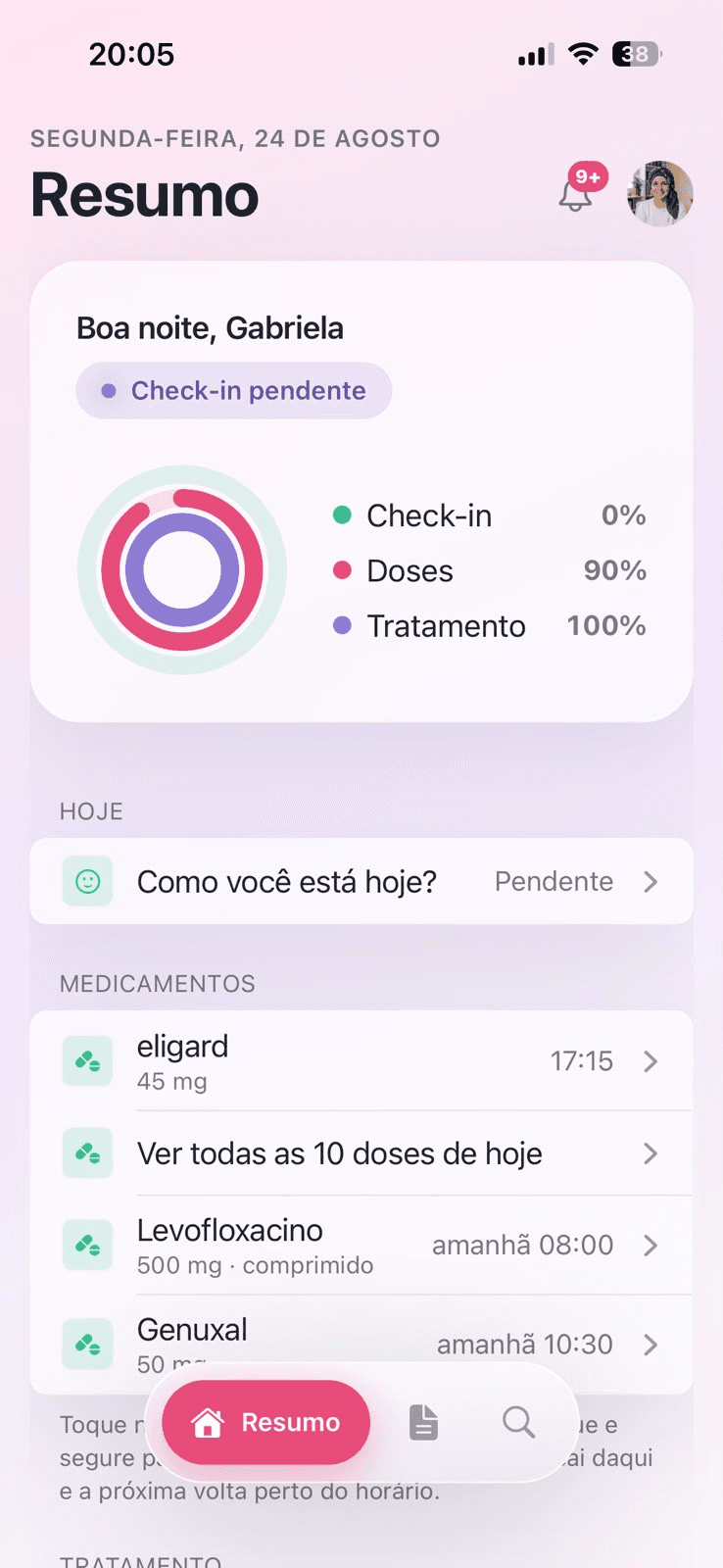
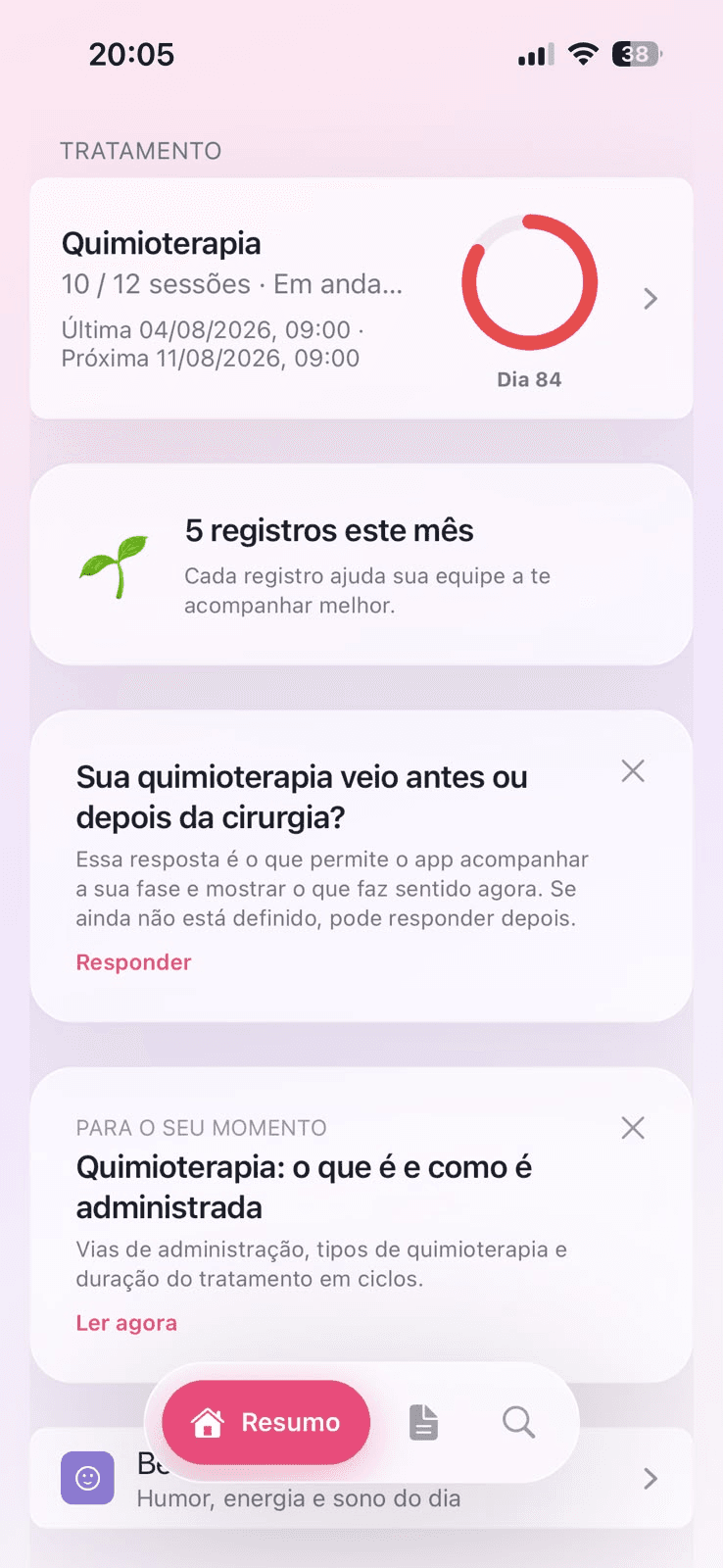
The daily check-in takes ten seconds.
Mood, energy, sleep and symptoms. She taps what she felt and the entry is saved with the date and time — even at three in the morning, when there is no appointment to tell it to.
- Nausea
- Fever
- Pain
- Fatigue
- Poor sleep
Three entries of the same symptom within 24 h become a flagged pattern — and rise to the top of the team's queue, if she is connected.
She photographs the report. Aura does the rest.
Tests, reports and prescriptions come in as a photo or PDF and stay organised by month, searchable. When the appointment comes, all of it becomes a four-page report ready to print or send.
- 4 pagessymptoms, doses, tests and schedule for the period
- PDFworks for any doctor, partner or not
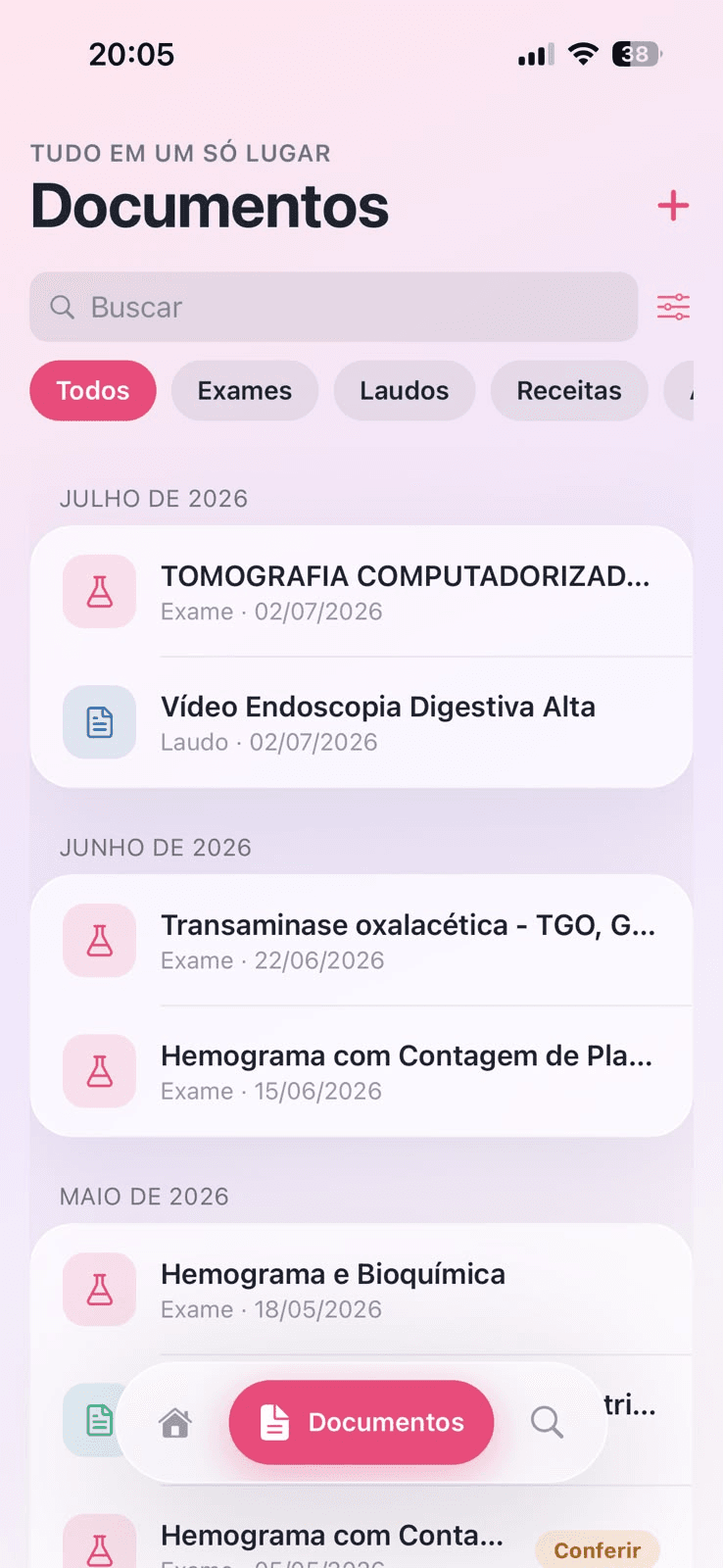
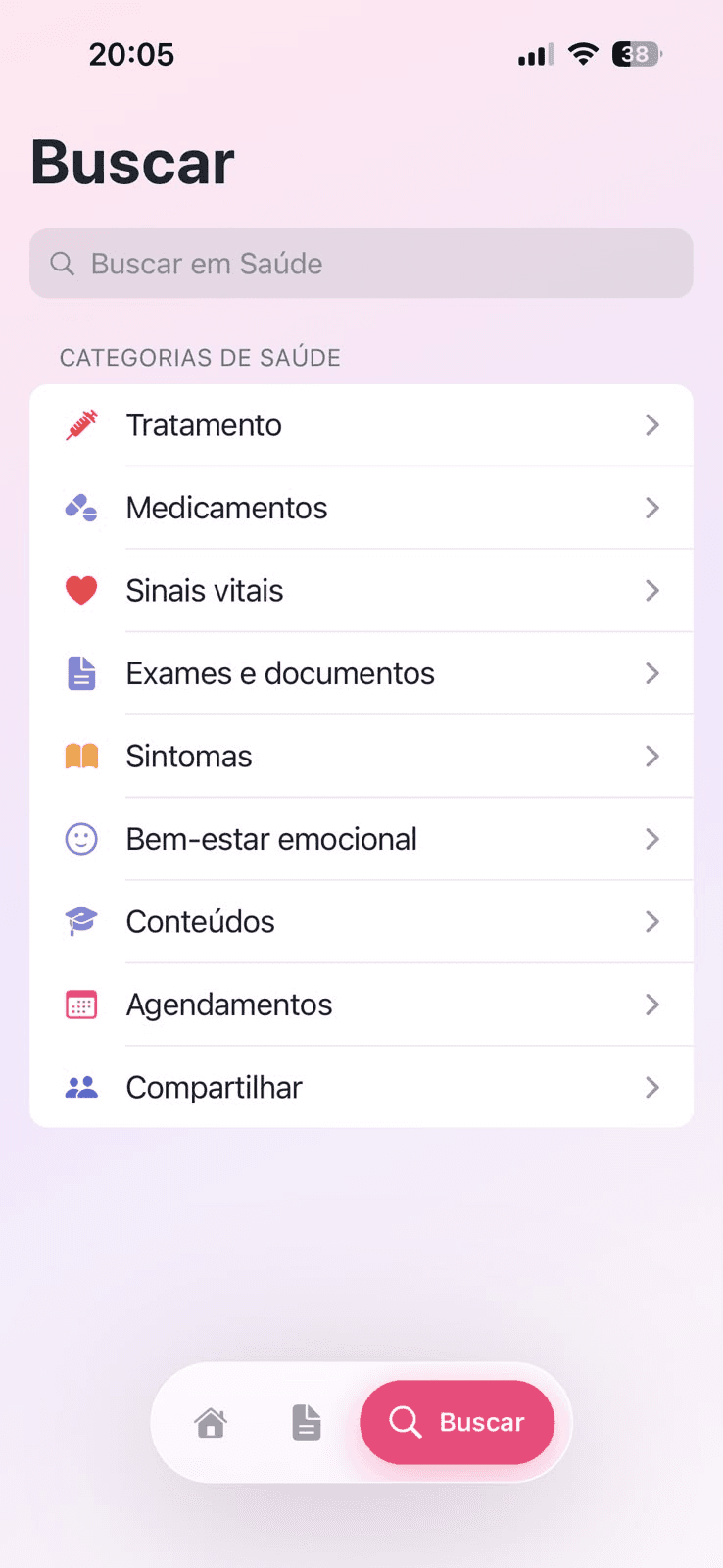
Connecting the team is her decision.
If her hospital is a partner, an invitation shows up under “Compartilhar” (Share). She accepts, and only that institution's team can see her entries. She can switch it off whenever she wants.
See what the team seesIt is not always the patient who logs.
A daughter, a husband, a sister, a nursing technician. In many treatments the person with the energy to take notes is the one beside her — and the app was built to work in either pair of hands.
- Situation 1
The patient uses the app. The caregiver follows from afar.
She keeps control of the account and grants follow-along access. The caregiver sees what was logged and gets the notices, even when living in another city.
- Sees the current cycle, today's doses and the pending check-in.
- Gets a notice when a severe symptom is logged.
- Helps her remember a dose without calling to ask.
- She decides what is visible — and can switch it off whenever she wants.
- Situation 2
The patient does not use the app. The caregiver logs everything.
When she has no phone, is not up to using one, or simply does not want to, the caregiver creates and keeps her profile. Nothing changes in the result: the report comes out the same, in the patient's name.
- Logs symptoms for her, with the date and time they happened.
- Confirms the doses taken and reschedules times.
- Photographs tests, reports and prescriptions for the folder.
- Generates the PDF report and brings it printed to the appointment.
What the caregiver can do
The same functions as the patient's app, with an authorship label on every entry.
Log symptoms
Nausea, fever, pain and fatigue, with intensity and time — including after the fact.
Confirm doses
Marks what was taken, postpones what is late and adjusts reminder times.
Attach tests
A photo or PDF of blood counts, reports and prescriptions, organised by month and searchable.
Treatment schedule
Appointments, sessions and tests booked, with a reminder the day before for whoever takes her.
Generate the report
The four-page PDF comes out in the patient's name, showing who made each entry.
Talk to the team
If the hospital is a partner, the caregiver's entries reach the same alert queue.
When the patient is unable to consent, the link is recorded as legal representation and the responsible institution validates the access — just as it would on paper.
Questions from people just getting started.
No. The app is free and works on its own. The invitation only exists if her institution is already a partner — and even then, she is the one who accepts it.
Nothing is lost. The history accepts entries after the fact and the report shows the period with whatever is there. A treatment app cannot demand perfect attendance.
Yes. In many treatments the caregiver is the one who organises the routine. The account can be shared, and the report comes out in the patient's name.
No. It organises the values and shows the trend between samples. Interpretation and clinical decisions always belong to the team responsible for the case.

Start today with just the doses.
She adds the rest when it makes sense. Free for patients, with data processed under the LGPD.